 |
Cockatrice 2026-10-19-Development-3.1.2-beta.2
A virtual tabletop for multiplayer card games
|
|
Cockatrice 2026-10-19-Development-3.1.2-beta.2
A virtual tabletop for multiplayer card games
|
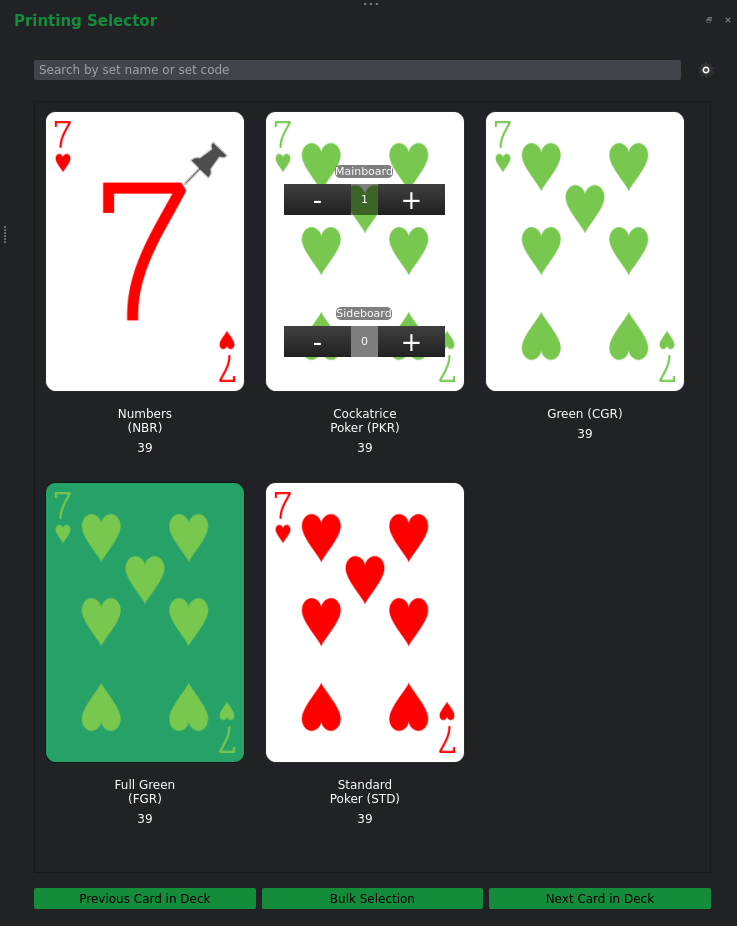
The PrintingSelector allows editing the PrintingInfo associated with CardInfos contained in DeckLists.
As described in PrintingInfo, a CardInfo can have different variations contained within the same or different CardSets.
PrintingSelector allows the user to choose a variation, as well as pinning a variation to be used as the preferred printing in all cases where the 'default' or 'most preferred' image should be shown.
To use the printing selector, ensure that you are using the Post-ProviderID change behavior (Checkbox as shown in the image).
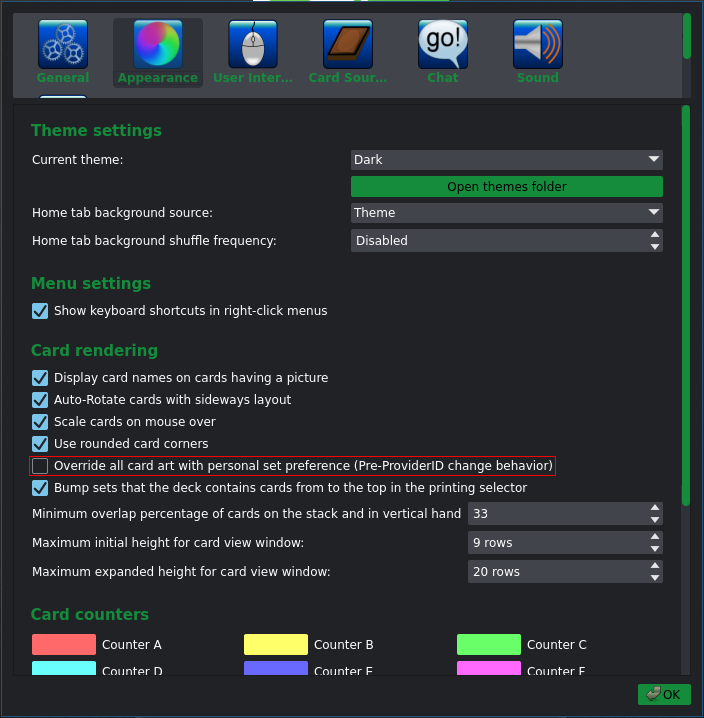
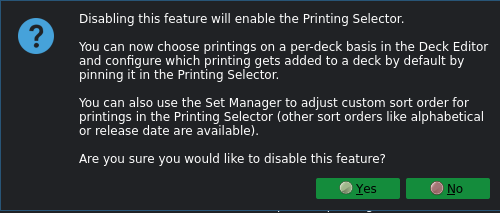
Disabling the printing selector:
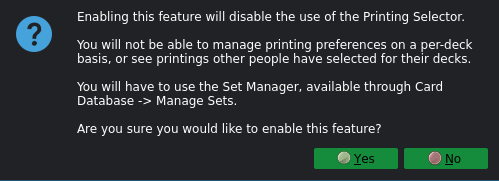
Enabling the printing selector:
The PrintingSelector requires each underlying CardInfo object to have a <set> entry with a unique providerID attribute for each variation that should be displayed.
Here is an example, that first defines three sets, and then the 'Ace of Hearts' card with three variations.
To use the PrintingSelector, first select a card in the DeckEditorDeckDockWidget:
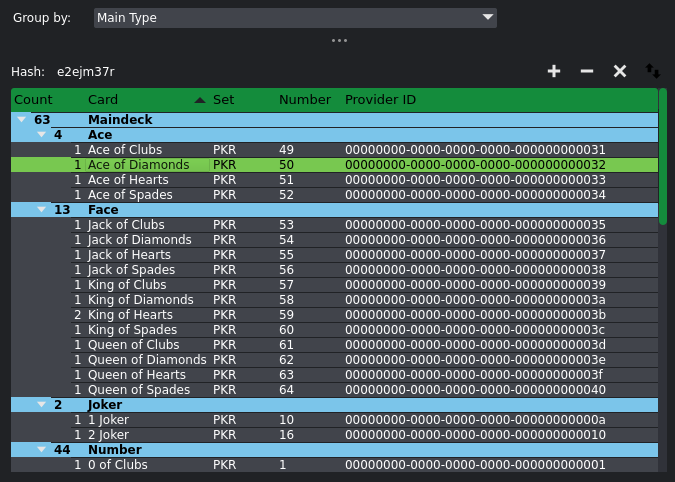
You may add a variation to the mainboard by clicking the + and - buttons in the top row. The bottom row will add the variation to your sideboard.
You can also right-click a variation to pin it, which will move it to the top of the variation list for easy access and additionally, use it as the default printing whenever the printing isn't explicitly specified (such as adding a card from the database in the deck editor).
Only one printing may be pinned at a time.
Additionally, the PrintingSelector offers a navigation bar at the bottom to navigate through cards in your deck, as well as an option to modify the variations of cards in bulk via the 'Bulk Selection' option.

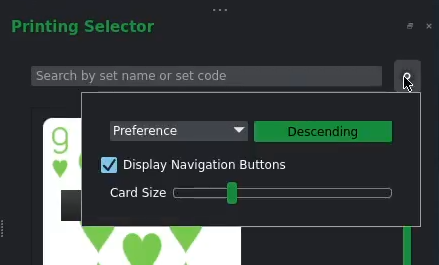
The search bar at the top may be used to filter the displayed variations and the cogwheel may be clicked to open up additional settings.
 1.18.0